
How to Create an Affiliate Account on Amazon & Flipkart (Step-by-Step Guide)
Complete guide to setting up your Amazon Associates and Flipkart Affiliate accounts, generating affiliate links, and starting to earn commissions from your content.
What is Affiliate Marketing?
Affiliate marketing is simple: you recommend products → someone buys through your link → you earn a commission. No inventory, no shipping, no customer service.
As a creator, you already influence purchasing decisions. Affiliate links let you monetize that influence.
Part 1: Amazon Associates (India & Global)
Amazon Associates is one of the largest and most trusted affiliate programs. You earn 1% to 10% commission depending on the product category.
Requirements
Step 1: Sign Up
Step 2: Fill Your Profile
<!-- SCREENSHOT: Website/App list form -->
Step 3: Identity Verification
- Bank Transfer (recommended) — Enter IFSC and account number
- Amazon Gift Card — Lower minimum payout
<!-- SCREENSHOT: Payment settings page -->
Step 4: Start Creating Links
Once approved, you'll land on the Associates Dashboard. Here's how to create a link:
- Search for the product
- Click "Get Link"
- Choose Short Link format
- Copy the link
Your link will look like: `https://amzn.to/3xAbCdE`
<!-- SCREENSHOT: SiteStripe toolbar on a product page -->
Step 5: Paste in Linkvor
Amazon Commission Rates (India, 2026)
| Category | Commission |
|---|---|
| Fashion & Clothing | 6-10% |
| Electronics | 1-4% |
| Home & Kitchen | 5-8% |
| Books | 5-9% |
| Furniture | 5-8% |
| Beauty & Personal Care | 3-6% |
Tips for Amazon Associates
Part 2: Flipkart Affiliate Program
Flipkart's affiliate program works similarly to Amazon's but is focused on the Indian market. Commissions range from 1% to 15%.
Requirements
Step 1: Sign Up
- Name and email
- Website/channel URL
- Category of content
- How you plan to promote
Step 2: Wait for Approval
Unlike Amazon (which gives instant access), Flipkart manually reviews applications. This can take 24-72 hours.
You'll receive an email once approved.
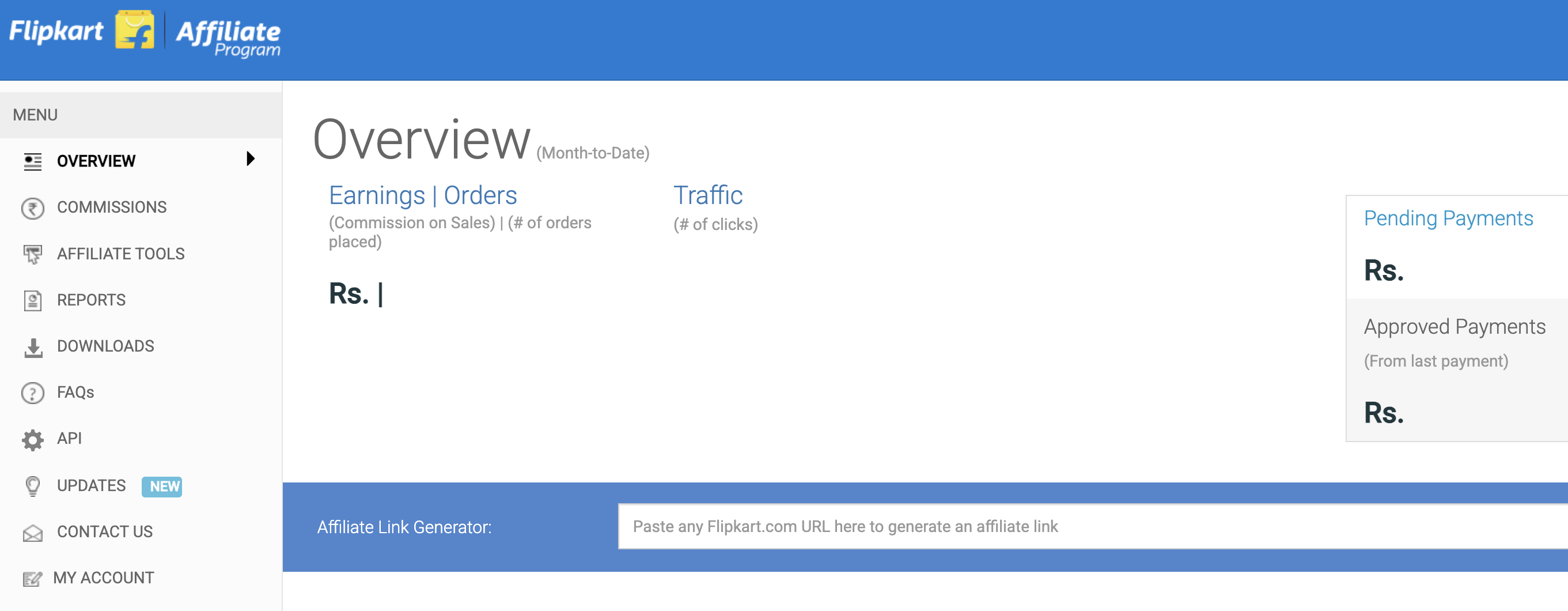
Step 3: Access the Dashboard
Once approved:
Step 4: Generate Affiliate Links
Your link will look like: `https://www.flipkart.com/product-name/p/item?affid=yourname`
<!-- SCREENSHOT: Flipkart product link generator -->
Step 5: Add to Linkvor
Flipkart Commission Rates (2026)
| Category | Commission |
|---|---|
| Fashion | 8-15% |
| Electronics | 2-5% |
| Home & Furniture | 6-10% |
| Books & Media | 8-12% |
| Mobiles | 1-4% |
| Appliances | 4-8% |
Tips for Flipkart Affiliate
Pro Tips: Maximizing Affiliate Earnings
1. Use Linkvor's Link Rotation for A/B Testing
Create one smart link (e.g., `/buy-camera`) that rotates between:
After a week, check which platform gets more sales and adjust the weights.
2. Track Everything
Linkvor tracks clicks, but combine it with:
3. Create Product Storefronts
Instead of sharing individual links, create a storefront at `www.linkvor.com/@you/shop` with all your recommendations organized by category. Viewers can browse and buy multiple products.
4. Disclose Affiliate Relationships
Always mention that you earn from purchases. It's legally required and builds audience trust:
5. Generate QR Codes for Physical Content
Making YouTube videos? Add a QR code overlay that links directly to your affiliate product. Viewers scan from their phone while watching.
Summary: Which Program to Start With?
| Factor | Amazon | Flipkart |
|---|---|---|
| Approval | Instant | 24-72 hours |
| Payout threshold | ₹1,000 | ₹25,000 |
| Product range | Massive | Large (India-focused) |
| Cookie duration | 24 hours | 24 hours |
| Best for | All-round | Fashion, electronics deals |
Our recommendation: Start with Amazon Associates (instant approval, lower payout threshold), then add Flipkart once you're generating consistent traffic.
Ready to Start?
Need help? Email us at contact@linkvor.com.
Ready to grow your creator revenue?
Start managing your links, QR codes, and products from one dashboard.
Get Started Free